
Reports in Flowboost
Reports are open to every user. Generate one, read it in Flowboost, export it to PDF and put it on a schedule with the recipients you choose.
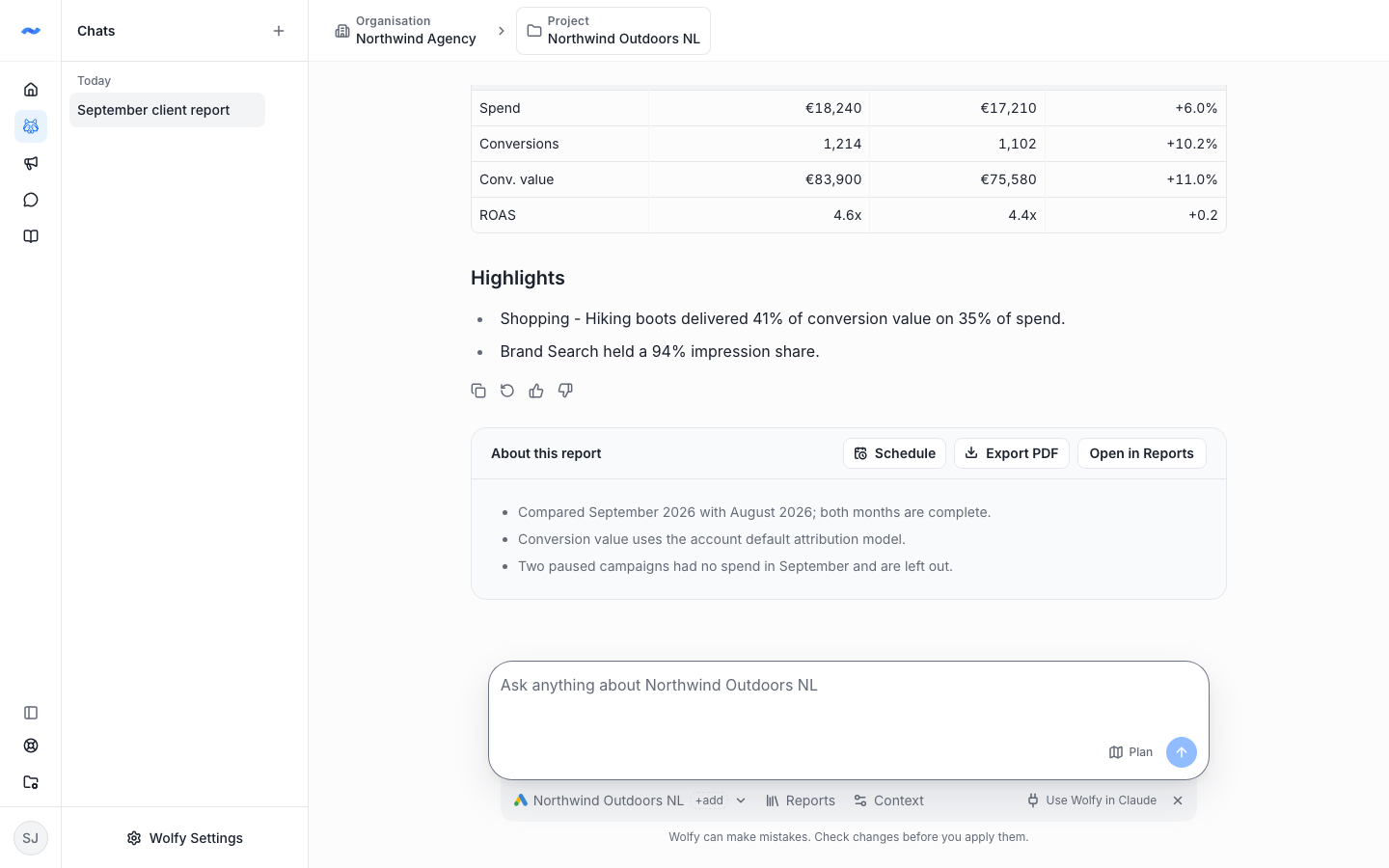
Generate a Google Ads report from Reports or from a Wolfy chat, and it is saved in Flowboost for you and your team. Each report has an About this report card with its date range and an Export PDF button, and you can edit the text before you send it on.
Reports on a schedule
Schedule a report daily, weekly or monthly, choose the day and time and who gets the email. After a report in chat, Wolfy offers to schedule it for you.