
Project activity
Every project now has an Activity tab that shows what changed, who changed it and whether it came from you, Wolfy or Claude. Dashboards show the metrics you pick, and two new alerts find spend that never converts.
Every project now has an Activity tab in its settings. It shows what happened in the project on one timeline, newest first: automation runs with the changes they made or proposed, Labelizer runs, generated reports, settings changes and Wolfy proposals that were dismissed or expired. Each settings change says who made it and whether it came from the app, Wolfy or Claude and Codex.
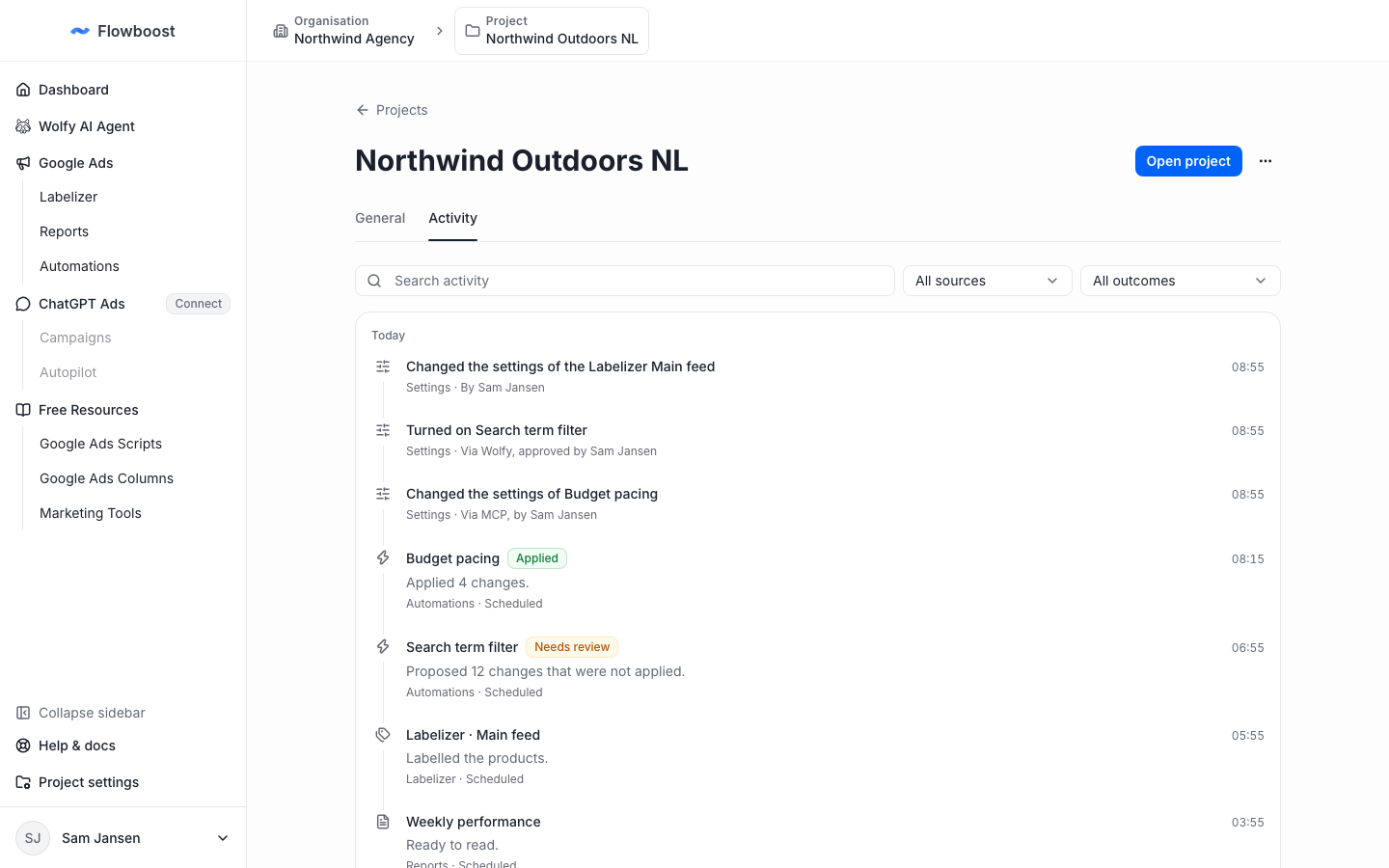
Filter by source or outcome, or search the timeline. Open your project's activity.
Pick the metrics on your dashboard
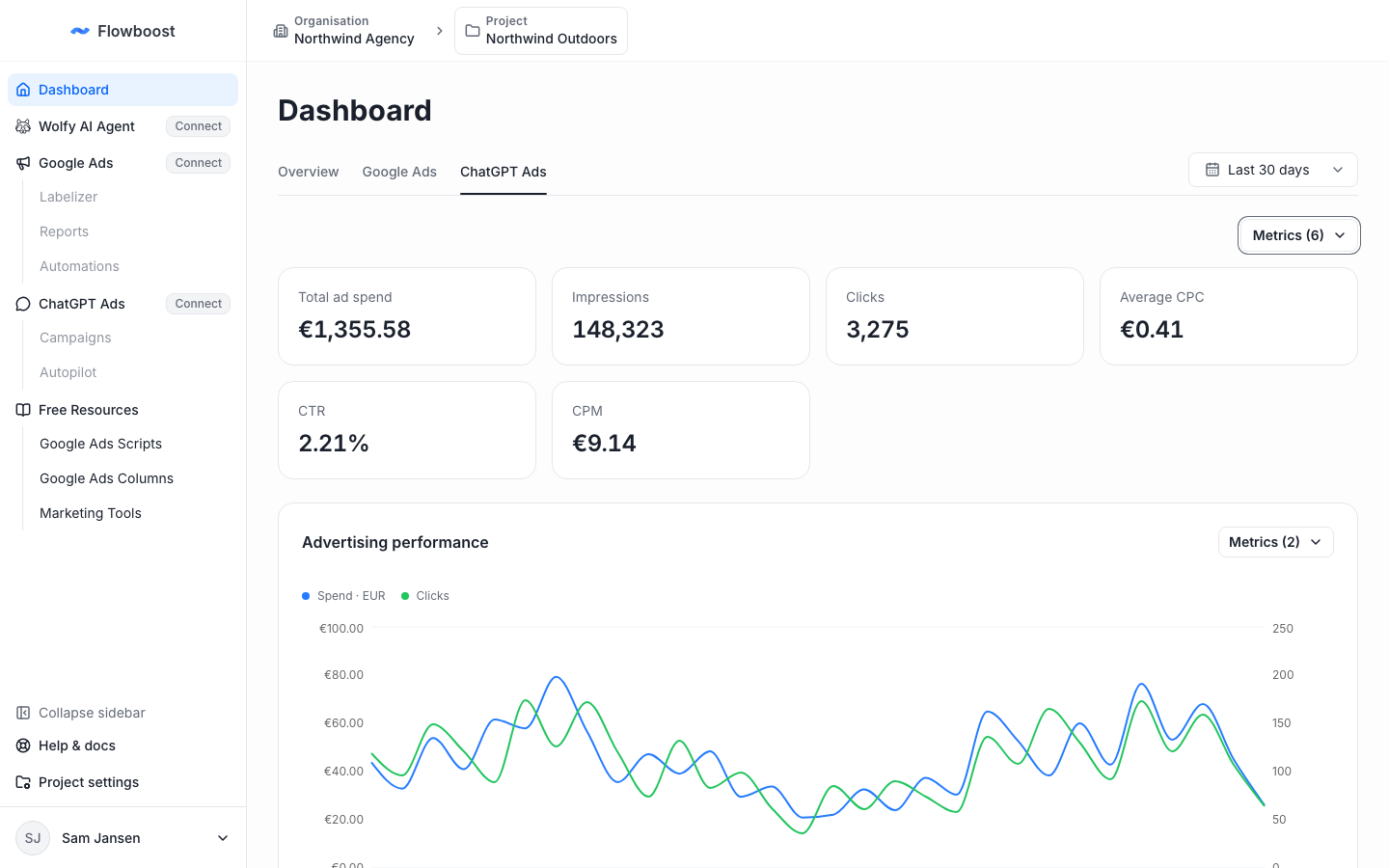
Use the Metrics menu above the summary cards to choose what the project overview, the Google Ads dashboard and the ChatGPT Ads dashboard show. Dashboards also load faster, because the numbers for projects you visit are cached. Open your dashboard.
Alerts for spend without conversions
Two new alerts look for spend that never turns into a sale. Search terms spending without converting reports searches that cost at least a set amount in a campaign without a conversion. Products spending without converting does the same for each Shopping and Performance Max product, across campaigns. Both email you when something new shows up and never change your account.
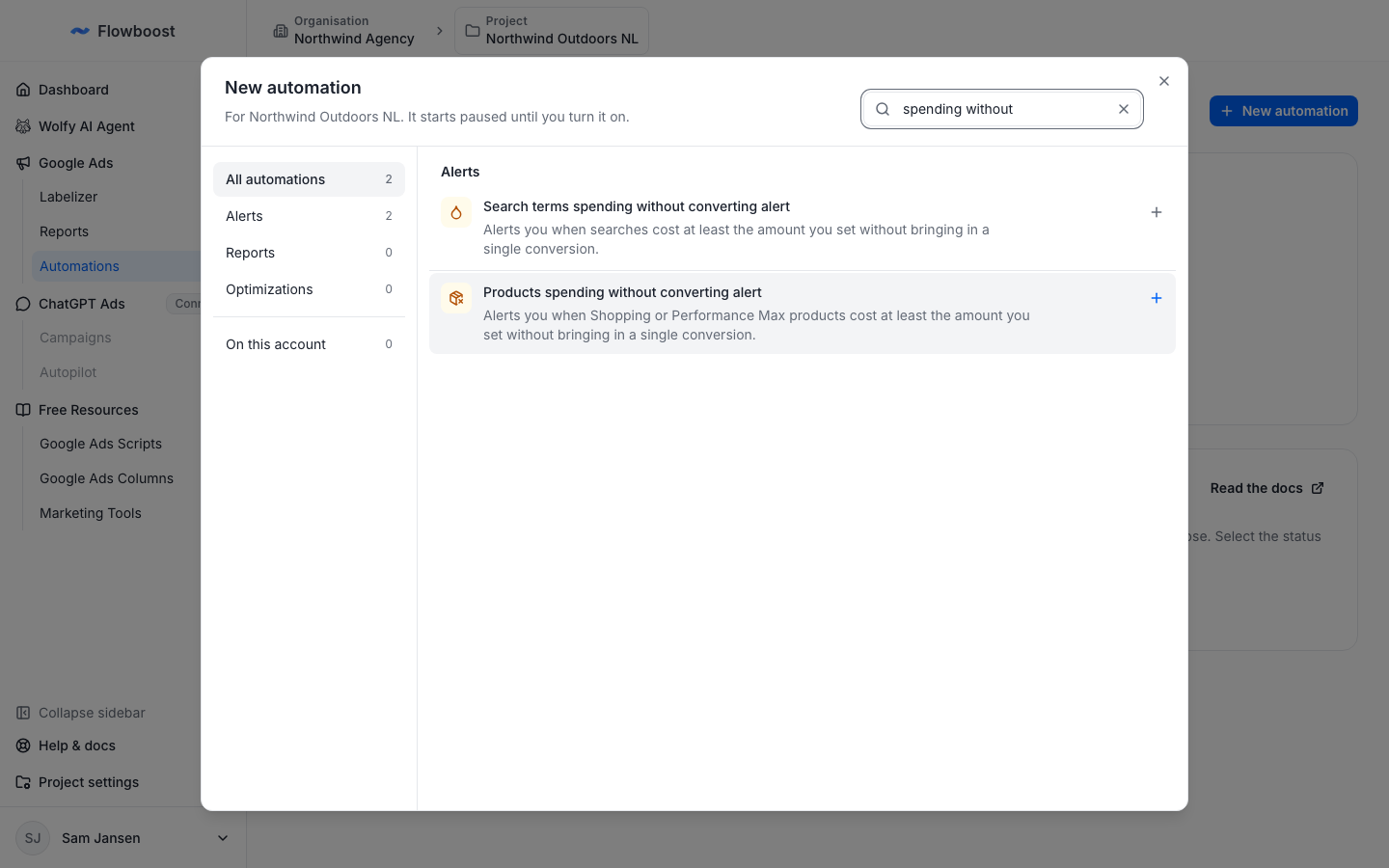
To add one, choose New automation in Automations.