Flowboost in Claude and Codex
Claude, Claude Code and Codex can now work in your Flowboost workspace, and Wolfy can set things up for you from the chat. Agencies can group client projects and share them with guests.
Flowboost now has an MCP server, so Claude, Claude Code and Codex can work in your workspace for you. Ask them to review your projects, set up an automation or a report schedule, change Labelizer settings or ask Wolfy for analysis of your Google Ads accounts. You connect with your own Flowboost sign-in, and nothing goes live until you approve a separate step.
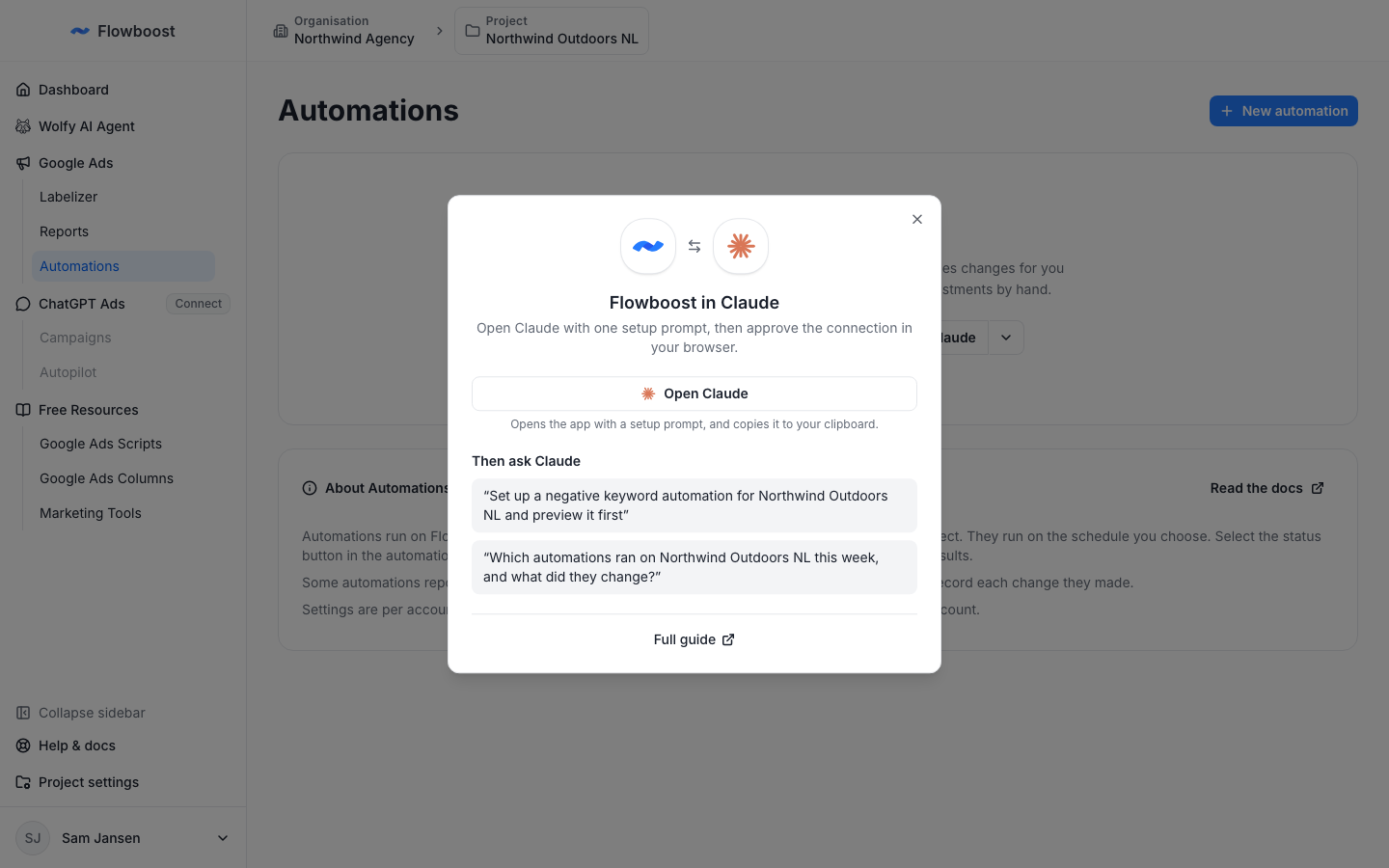
To get started, choose Connect Claude on the Automations, Reports or Labelizer page, or read how to connect Claude and Codex.
Wolfy can set things up for you
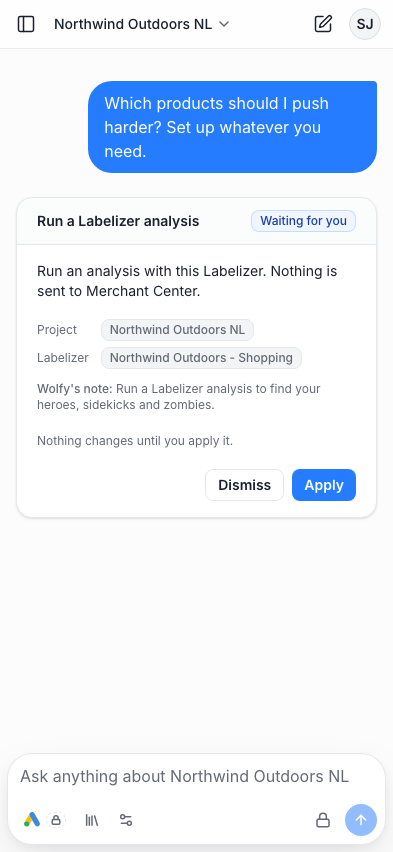
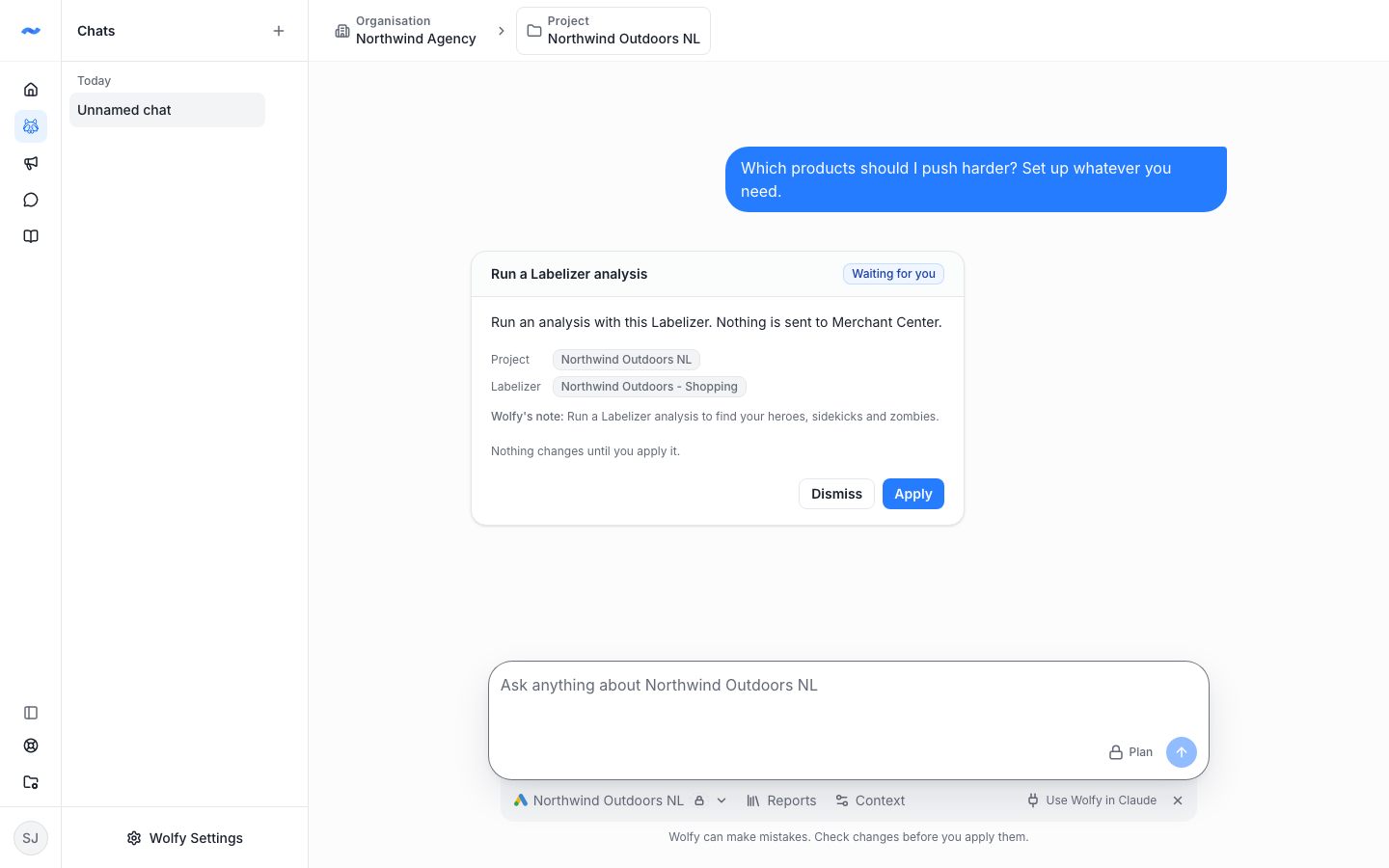
Ask Wolfy to create an automation, schedule a report or start a Labelizer analysis. It proposes the change on a card in the chat, and you apply it with one click. Wolfy never makes a change on its own, and your plan and access are checked again when you apply.
Manager projects and guests
Running several projects for one client, such as one per country? Choose Convert to manager project in a project's ⋯ menu to group them. The Projects page then shows one tile per client, and each project inside works as before.
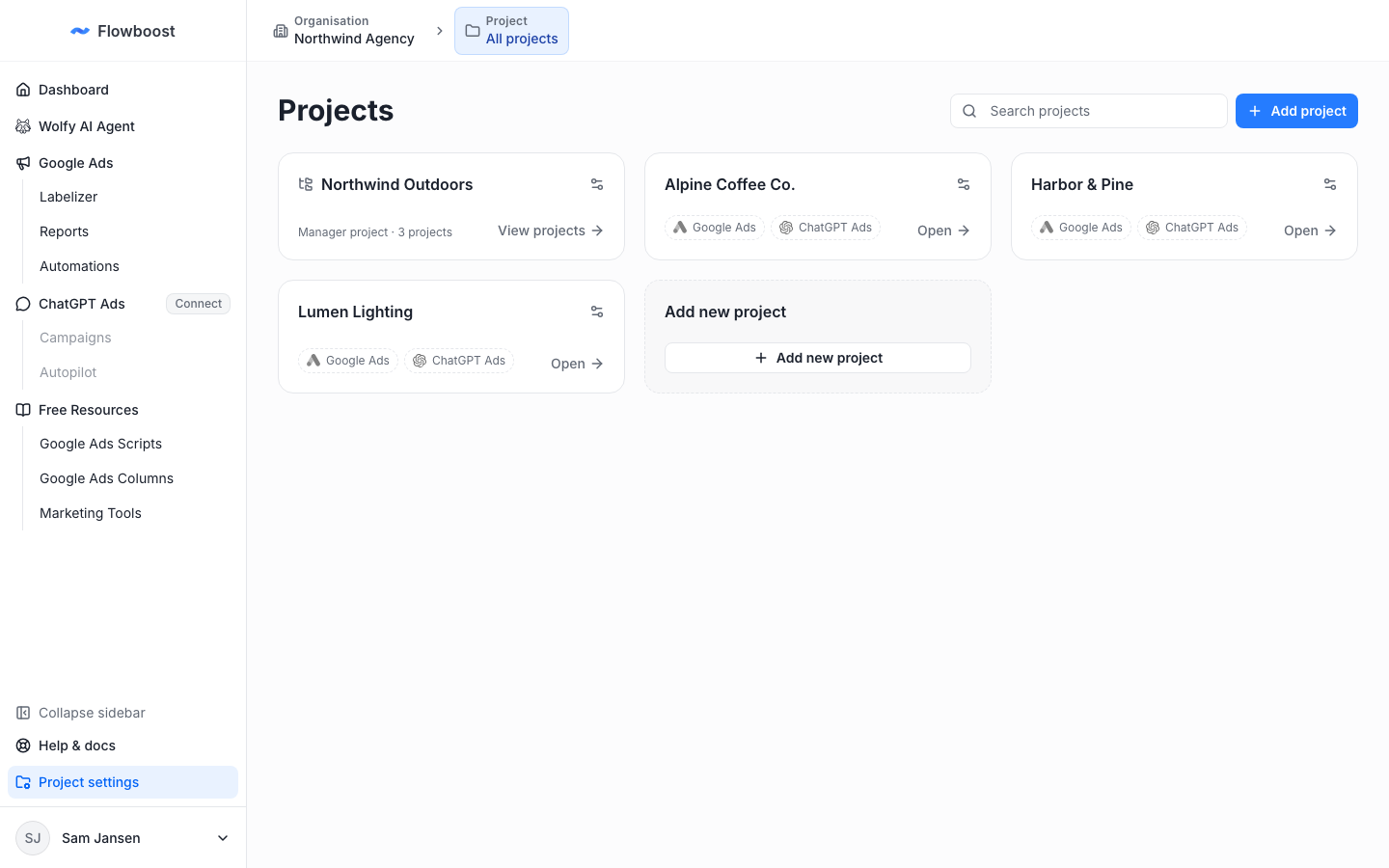
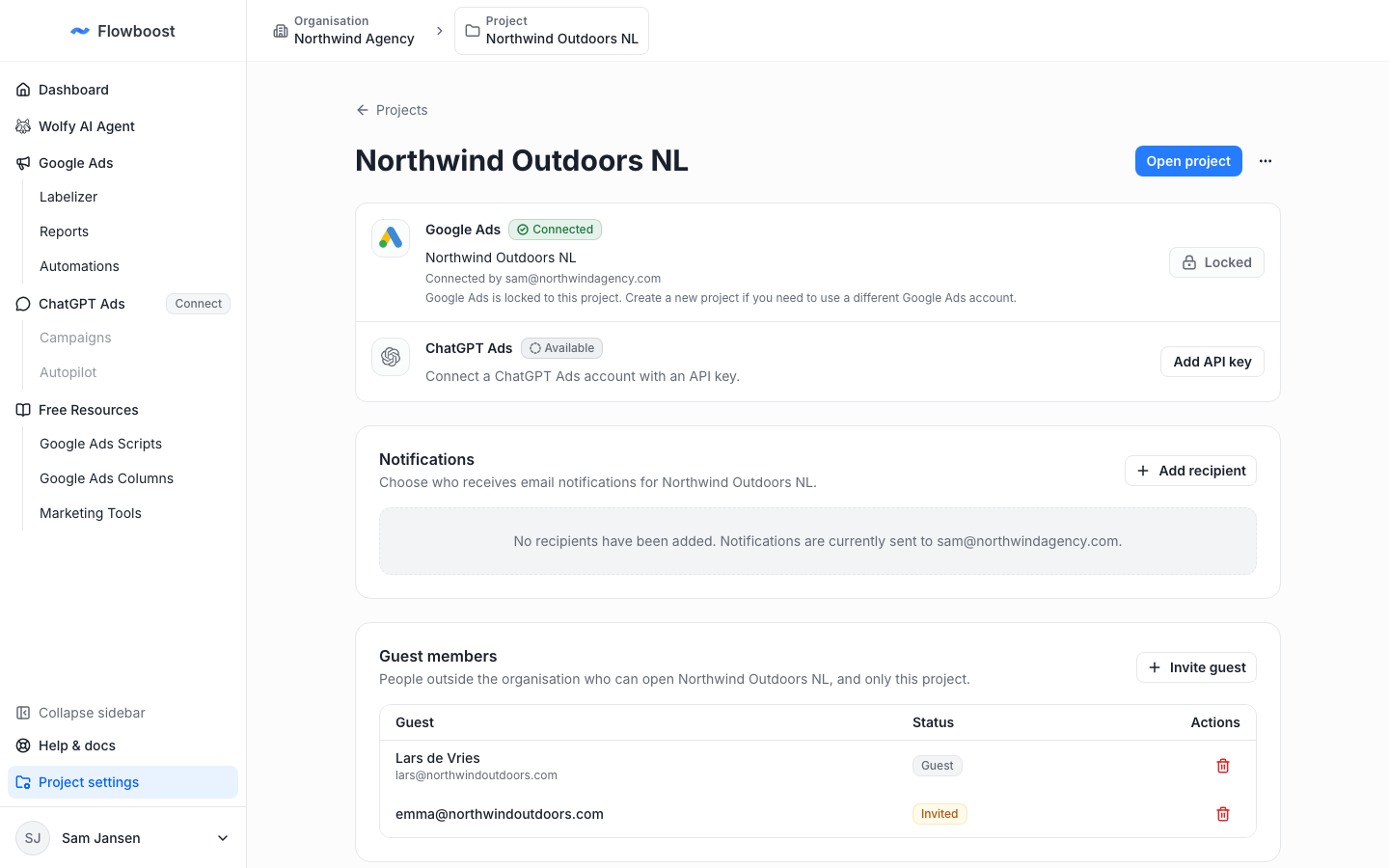
To give a client access, invite them from Guest members in the project's settings. A guest sees only the projects you share with them, never the rest of your organisation. Read how to add and manage projects.
Flowboost on your phone
Every page was reworked for phones: one compact top bar, no sideways scrolling, dialogs that open as bottom sheets and a Wolfy chat that behaves like a messaging app.